
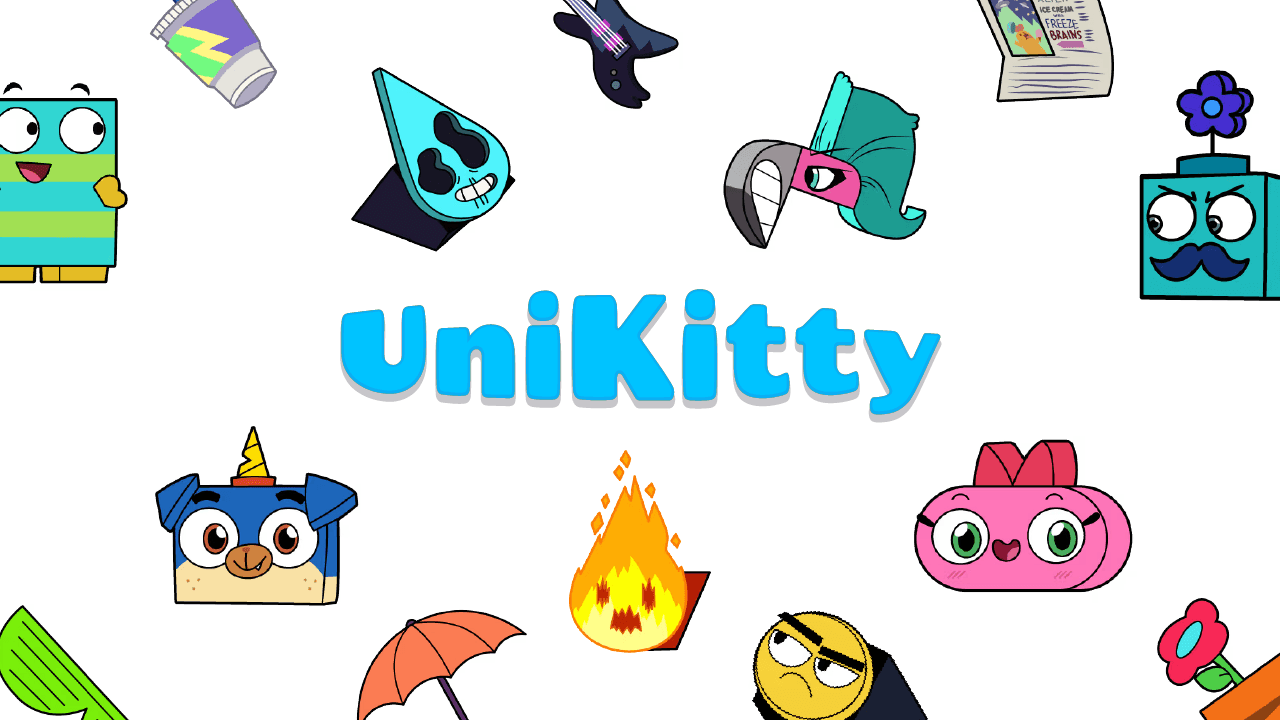
Iconic Unikitty custom cursor packs featuring Richard, Score Creeper, Unikitty, Master Hazard, Connected Citizens, and Flamurtle.
About the UniKitty! Collection
Unikitty keeps the most iconic custom cursor packs in one place, from Richard, Score Creeper, Unikitty, Master Hazard, Connected Citizens, and Flamurtle. These pointer themes suit fans who want themed flair on every click.
Explore the featured Unikitty packs below or browse UniKitty Mix Packs for more themes. Install free with Cursor Helper for Chrome or Edge.
This collection currently features 6+ cursor packs, each with its own personality while staying true to the UniKitty! theme.
What Makes the UniKitty! Collection Special
The UniKitty! collection stands out in the world of custom cursors for several key reasons:
- Cohesive Design Language: All cursor packs in the UniKitty! collection share a common visual theme while offering variety, ensuring a consistent look across your system
- High Quality Standards: Every cursor pack is designed with attention to detail, usability, and visual appeal, ensuring you get the best cursor experience
- Regular Updates: New packs are added regularly to keep the UniKitty! collection fresh and up-to-date with the latest trends
- Community Favorites: Many packs in this collection are among the most downloaded on Custom Cursors Planet, proving their popularity
- Cross-Platform Compatibility: All packs work seamlessly on both Chrome browser and Windows desktop, giving you flexibility in how you use them
- Easy Installation: All cursor packs can be installed quickly and easily through our Chrome extension or Windows app
Featured Cursor Packs
Here are some of the most popular cursor packs from the UniKitty! collection:
| Image | Name | Description | Downloads | Rating |
|---|---|---|---|---|
 | Master Hazard | Master Hazard Unikingdom pointer theme with Master Hazard Doom Lord fiery Unikitty arch villain flair on your custom cursor click pair. | 11,328 | 4.3 |
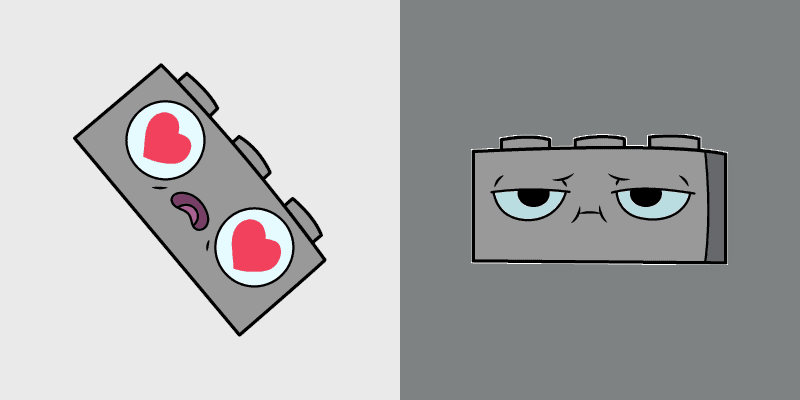 | Richard | Richard brings Richard sad cloud brother loyal Unikitty sibling charm to your Unikingdom custom cursor set. | 10,800 | 4.4 |
 | Unikitty Smile | Cartoon unikitty smile custom cursor pair with cheerful pink unicorn princess joyful CN cartoon flair on every click. | 9,750 | 4.6 |
 | Unikitty Kingdom | Unikitty Kingdom layers colorful Unikingdom collage rainbow kingdom icon charm across your UniKitty custom cursor pointer duo. | 8,237 | 4.7 |
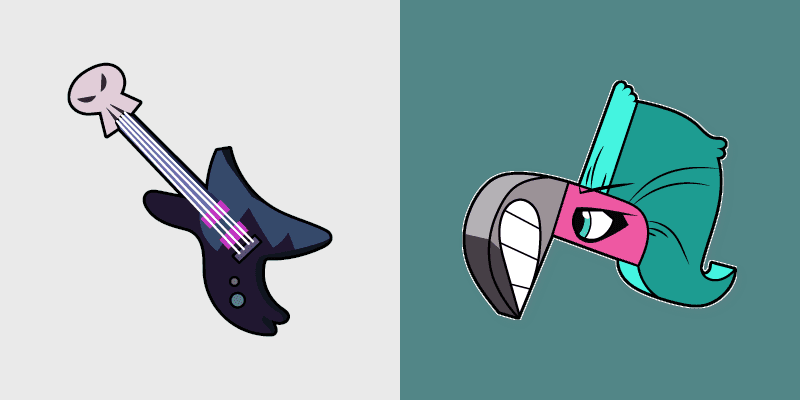 | Flamurtle | Flamurtle adds Flamurtle turtle fire hybrid citizen Unikingdom sidekick charm to your pointer and click UniKitty character cursor duo. | 8,045 | 4.9 |
 | Score Creeper | Rainbow score creeper pointer and click cursor pair with Score Creeper purple mascot sneaky Unikingdom villain flair. | 7,560 | 4.0 |
Who Is the UniKitty! Collection Perfect For?
The UniKitty! cursor collection is ideal for a wide range of users:
- Desktop Customization Enthusiasts: Users who want a cohesive cursor theme across their Windows desktop and Chrome browser
- Design-Conscious Users: Anyone looking to personalize their digital workspace with a specific aesthetic that matches their style
- Quality Seekers: People who appreciate attention to detail and design consistency in their cursor packs
- Theme Explorers: Those who want to explore multiple variations of the UniKitty! theme without losing visual coherence
- Gamers and Creators: Users who want cursor packs that enhance their gaming or creative workflow
- Productivity Focused: Professionals who want to add a personal touch to their workspace while maintaining functionality
How to Get Started with the UniKitty! Collection
Ready to explore the UniKitty! cursor collection and find your perfect custom cursor? Here's a simple step-by-step guide to get started:
- Install Our Tools: Start by installing our free Chrome extension or Windows desktop app using the buttons below. Both options give you access to the entire UniKitty! collection
- Browse the Collection: Once installed, navigate to the UniKitty! collection in the app or extension
- Explore Cursor Packs: Browse through the different cursor packs in the collection, preview them, and find ones that match your style
- Install Your Favorites: Click "Add" or "Apply" on any cursor pack you like to install it instantly
- Switch Anytime: You can switch between different cursor packs from the UniKitty! collection anytime you want - no need to uninstall and reinstall
- Create Collections: Save your favorite UniKitty! cursor packs to a custom collection for quick access later
Explore UniKitty! Collection
Browse all cursor packs in this collection and find your perfect match.
Love This Collection?
Discover all the amazing cursor packs in the UniKitty! collection. Each pack offers something unique while maintaining the collection's distinctive style.
Explore Collection